
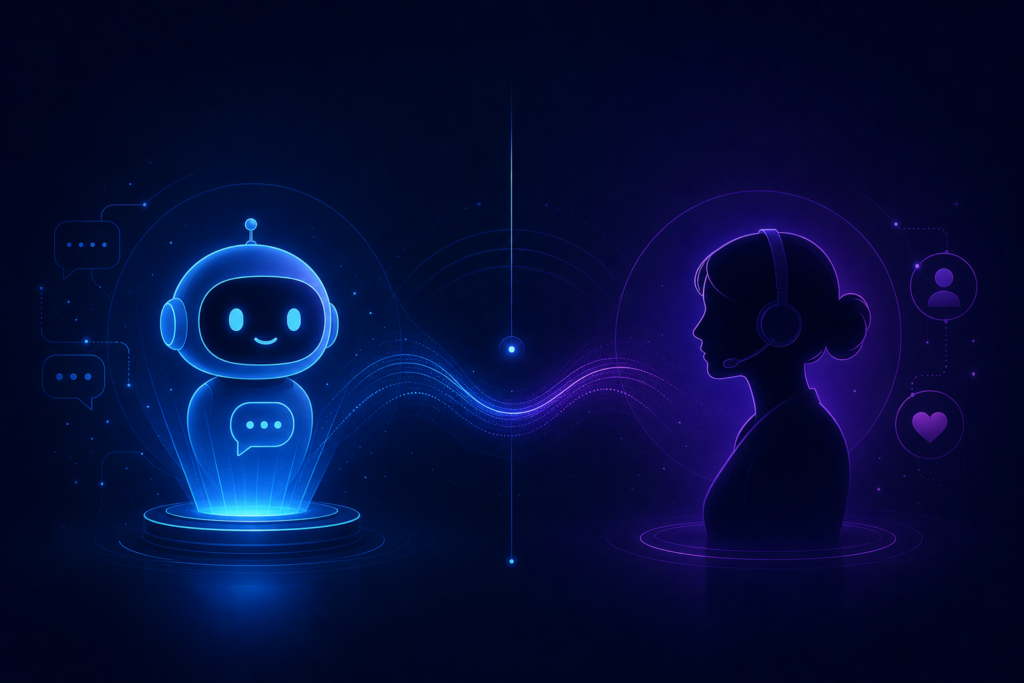
Every few months a headline declares that AI will replace customer support entirely. Then a viral complaint thread reminds us why humans still matter. The truth, as usual, sits in the middle — and the businesses winning right now are not choosing between bot and human. They are designing a system where both do what they do best.
This guide breaks down the real AI chatbots vs human support tradeoffs, the hybrid model I recommend to clients, and the mistakes that make chatbot projects fail.
The wrong framing: replacement vs collaboration
Support is not one job. It is a stack of jobs: greeting, qualifying, answering FAQs, troubleshooting, empathizing, escalating, and retaining. AI is excellent at some of those and mediocre at others. Humans are the opposite. Treating support as a single role is why so many chatbot rollouts disappoint.
When someone asks whether they should use an AI chatbot, I usually ask back: “Which part of support is hurting you most?” The answer tells us where automation belongs — and where it does not.
What AI chatbots do better than humans
- Speed. Zero queue time, instant first response, 24/7 coverage including weekends and holidays.
- Consistency. The same policy answer every time — no variation based on who is on shift.
- Scale. Handle hundreds of concurrent conversations without adding headcount.
- Context collection. Gather account IDs, order numbers, and issue categories before a handoff.
- Cost efficiency on tier-one volume. FAQs and repetitive queries are expensive when handled by senior staff.
For many businesses, tier-one queries represent 60–80% of inbound volume. That is a large slice of work AI can absorb without quality dropping — if the bot is built properly.
What humans do better than AI
- Reading emotional tone and de-escalating frustrated customers
- Handling edge cases that were never documented
- Making judgment calls with incomplete information
- Building trust with high-value accounts
- Apologizing authentically when something went wrong
These are not minor differences. They are the reason hybrid support outperforms bot-only or human-only models for most companies.
The hybrid model that actually works
Here is the structure I implement most often:
- AI first line. The bot greets, answers documented questions, and collects structured data.
- Smart escalation. When confidence is low or the customer asks for a person, route to a human with full chat history attached.
- Human resolution. Your team handles complexity without re-asking questions the customer already answered.
- Feedback loop. New questions the bot could not answer get added to the knowledge base so coverage improves over time.
This same pattern works for website chat, WhatsApp, and even voice — see our guide on AI receptionists for small business for the phone equivalent.
Off-the-shelf vs custom chatbots
Off-the-shelf bots work when your FAQs are standard and your integrations are simple. They struggle when:
- Your pricing or policies change frequently
- You need the bot to take actions in your CRM or booking system
- Your product requires domain-specific answers competitors cannot copy
- Brand voice matters as much as accuracy
Custom bots trained on your docs, connected to your stack, and tuned for your escalation rules consistently outperform generic widgets — especially for B2B and professional services.
Common chatbot mistakes (and fixes)
Mistake 1: Launching without a knowledge base
A bot is only as good as the information it can access. Clean up your FAQs, policy docs, and product guides before training.
Mistake 2: No clear escalation path
Trapping customers in bot loops destroys trust. Always offer a human path and make it obvious.
Mistake 3: Measuring the wrong metrics
Deflection rate alone is misleading. Track customer satisfaction, resolution time, and escalation quality too.
Mistake 4: Treating the bot as set-and-forget
Review failed queries weekly for the first month. That log is your roadmap for improvements.
How chatbots connect to broader automation
Support bots work best as part of a connected system. When a chat qualifies a lead, it should create a CRM record. When it books a meeting, it should sync to your calendar. When it cannot resolve an issue, it should open a ticket with priority tags. This is where broader process automation compounds the value of the bot alone.
Real examples of connected workflows are on our case studies page.
Frequently asked questions
Will customers hate talking to a bot?
Customers hate slow, unhelpful support — not automation itself. A fast, accurate bot with an easy human escape hatch typically scores well. A slow bot that loops endlessly scores poorly.
How long does it take to deploy a custom chatbot?
A focused first version usually takes two to four weeks depending on integrations and knowledge base quality. Iteration continues after launch based on real conversation data.
Can AI chatbots work with my existing helpdesk?
Yes, in most cases. The bot should integrate with tools like Zendesk, Freshdesk, HubSpot, or your CRM rather than replacing them outright.
Ready to design a hybrid support system? Get a free plan or book a call to discuss a custom chatbot built for your business.
Building a SaaS MVP? Explore SaaS MVP development, read our case studies, or get a free MVP plan.