
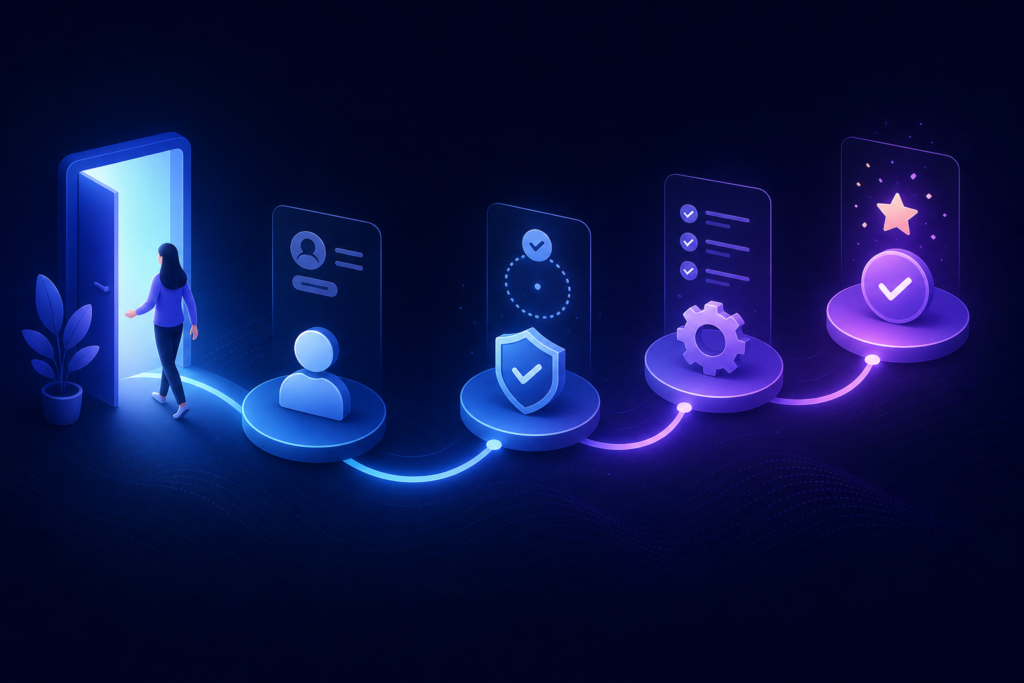
The first 30 days after signup decide whether a customer stays or churns. Yet most businesses still onboard new clients with a scattered mix of manual emails, one-off calls, and hope. AI-powered customer onboarding changes that — delivering a consistent, personalized experience without scaling headcount linearly.
This guide covers the full framework I use with clients: milestones, automation triggers, human escalation rules, and metrics that actually predict retention.
Why onboarding is undervalued
Marketing gets budget because acquisition is visible. Onboarding is invisible until customers leave. But fixing onboarding is often the cheapest way to improve lifetime value — you already paid to acquire the customer. Helping them succeed costs less than finding a replacement.
Poor onboarding shows up as:
- Low product activation rates
- Spike in support tickets in week one
- Early cancellations before value is realized
- Bad reviews citing “confusing setup” or “lack of guidance”
Step 1: Define activation milestones
Activation is the moment a customer first experiences core value. Define it precisely:
- SaaS: first project created, first integration connected, first report generated
- Services: kickoff completed, assets received, first deliverable approved
- eCommerce B2B: first repeat order, catalog upload complete, payment method verified
Every milestone becomes a trigger point for automated nudges or human outreach.
Step 2: Build the welcome sequence
Send the first welcome message within minutes of signup — not days. Include:
- What happens next (clear steps, estimated time)
- One primary action to take today
- Link to help resources
- Access to an AI assistant for setup questions
The assistant should use the hybrid model from our chatbot vs human support guide: AI handles docs-based questions; humans step in for complexity.
Step 3: Progress tracking and smart nudges
Monitor milestone completion in your product analytics or CRM. Trigger messages based on behaviour, not calendar dates:
- Day 1, no login → “Need help getting started?” with quick-start video
- Stuck on integration step → targeted FAQ + offer of live help
- Milestone complete → celebrate and introduce next feature
- Day 14, low usage → personal check-in from CSM or founder
This connects naturally to broader process automation across your customer lifecycle.
Step 4: Human escalation rules
Not every account needs white-glove service. Tier your onboarding:
- Self-serve: AI + automated emails for low-touch plans
- Assisted: Automated path + scheduled check-in call
- High-touch: Dedicated CSM with automation handling admin around them
Escalate to humans when: deal size exceeds threshold, customer expresses frustration, or activation stalls beyond seven days.
Step 5: Measure what predicts retention
Track weekly:
- Activation rate (% reaching core milestone within 14 days)
- Time-to-first-value
- Support ticket volume in first 30 days
- Onboarding NPS or simple satisfaction pulse
- 90-day retention cohort comparison
Automate these reports so leadership sees trends without manual assembly — same principle as automated reporting in our process automation guide.
Common onboarding automation mistakes
Too many emails, too fast
Five emails in three days feels like spam. Space nudges based on progress, not arbitrary drips.
Generic content for every segment
Enterprise and SMB customers need different paths. Segment by plan, use case, or industry.
No off-ramp to humans
Frustrated customers trapped in automation churn quietly. Make help easy to find.
Real-world impact
Clients who fix onboarding often see activation rates climb 20–40% and early churn drop measurably. One services business reduced first-month support tickets by consolidating setup guidance into an AI assistant — freeing the team for strategic accounts. More stories on our case studies page.
Frequently asked questions
Can onboarding automation feel personal?
Yes, when messages reference actual progress (“You connected your CRM — next step is…”) rather than generic blasts.
What tools do I need?
At minimum: email automation, product analytics or CRM milestones, and a help resource hub. AI assistants layer on top.
How long to build a full onboarding system?
A solid v1 typically takes three to six weeks depending on integrations and content readiness.
Request a free onboarding automation plan or book a strategy call to design your customer activation flow.
Building a SaaS MVP? Explore SaaS MVP development, read our case studies, or get a free MVP plan.